Download Kids Safe Browser – Web Filter free on android
APK file Safe Browser 1.10.57How to install APK / APKS / OBB file on Android
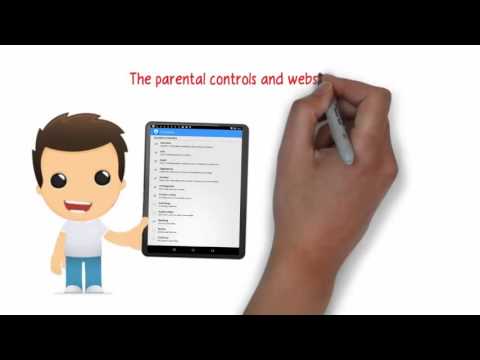

Kids Safe Browser: Web Filter & Custom Browser 🌐
Kids Safe Browser app provides a controlled browsing environment where you can filter websites with URL filtering and create custom rules for your needs.
Key Features for Parents 🔑
Custom Filtering: Filtering is based on website addresses (URLs/domains), not the contents of a page. Parents can block categories such as adult content or other unwanted sites.
Whitelisting and Blacklisting: Add specific websites to an approved (whitelist) or blocked (blacklist) list. Whitelisted sites can be placed on the home screen for quick access.
Safe Browsing Environment: Create a kid-friendly internet space with only the sites and categories you approve.
Optional Screen Time Controls: Parents can set time limits for browsing to encourage balanced device use.
Easy Setup and Use: Simple for parents to configure and straightforward for kids to navigate.
Permissions & App Information 📲
Free Trial: A 7-day free trial gives you access to all features. After the trial, you can continue with limited free features or subscribe for full access.
Device Administrator Permission: Optional. This permission is requested to make it difficult for children to uninstall the app without a parent's permission
About the App
Kids Safe Browser is designed to support parents—not replace them. Filtering is performed on the URL or domain level, not by analyzing page content, which helps maintain privacy. The app provides parental control tools to guide safer online use, but no technology can block 100% of unwanted content. Parents should continue to supervise and discuss safe browsing habits with their children.
For full details, see our Privacy Policy http://kiddoware.com/safe-browser-privacy-policy/
- LicenseFree
- File nameSafe Browser
- File Version1.10.57
- Package namecom.kiddoware.kidsafebrowser
- Size17.02 MB
- UploadedJanuary 21, 2026
- Android10 or later
- CategoryTools
- DeveloperKiddoware - Parental Control App Provider
- Developer site
- Developer emailsupport@kiddoware.com
- md5 hashde8597d3369f1060f0f1413da537b286
- Architecture-
- Permissionsshow (14)